Check your device
Here’s how to check if your device supports eSIM
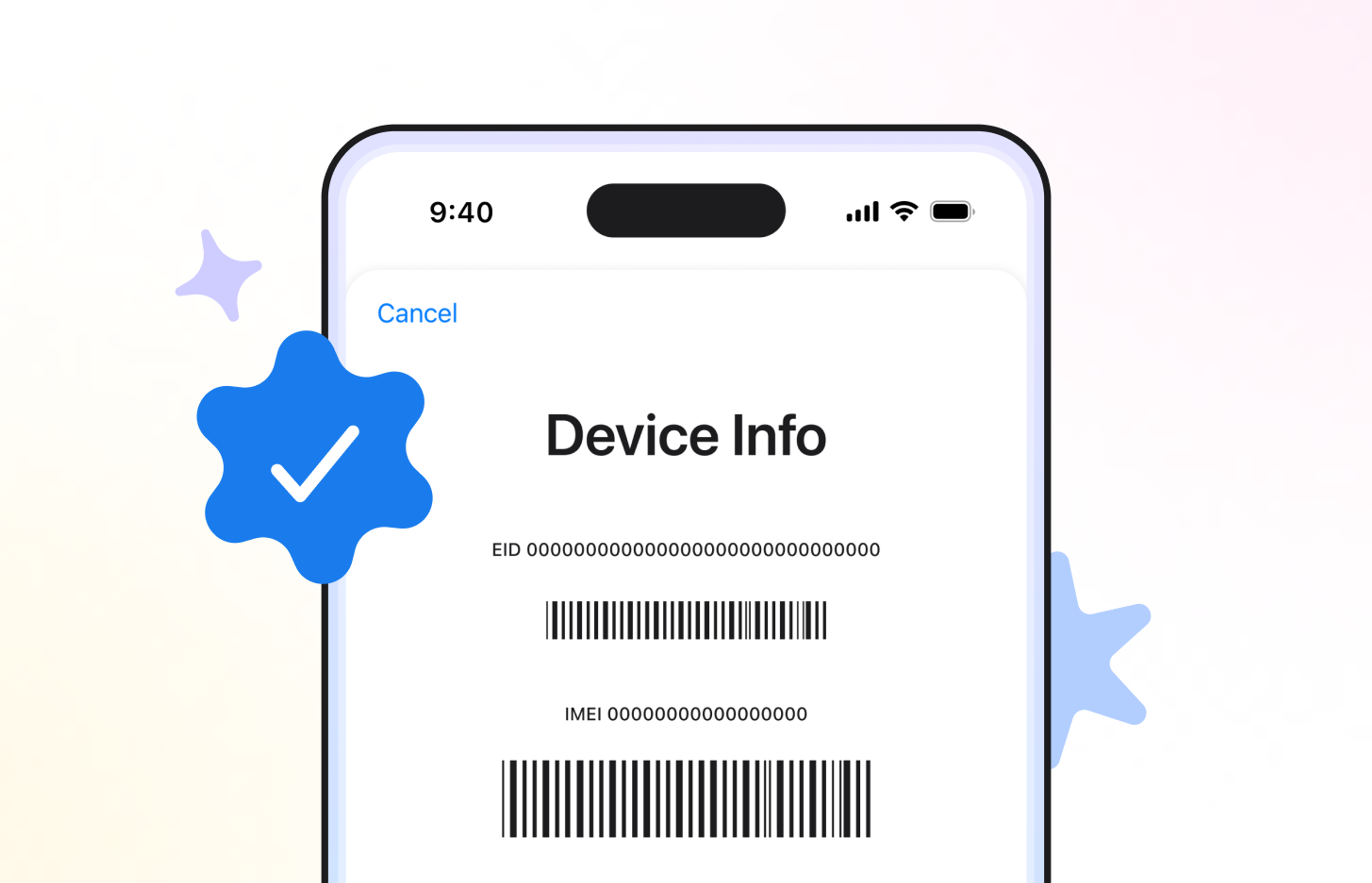
Method 1: Dial code
Dial the following code on your device → *#06#
If your device displays an information pop-up with an EID (Embedded Identity Document) number, your device supports eSIM.
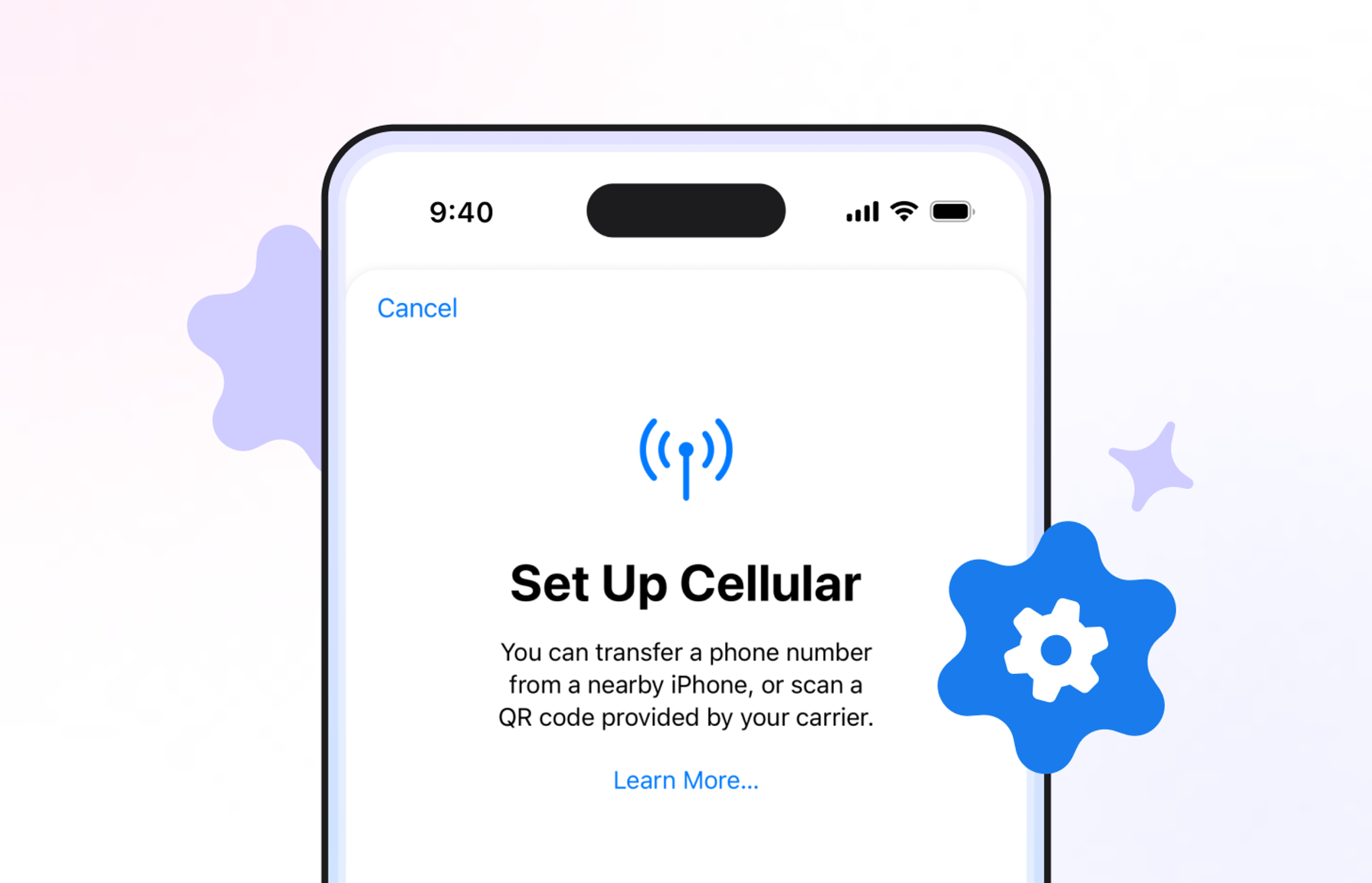
Method 2: Check device settings
Look for eSIM or cellular plan options in your device settings.
• On iPhone, go to Settings > Cellular > Add eSIM.
• On Android, go to Settings > Network & Internet > SIMs.
Note:
- •Your device must not be locked to one network or carrier
- •Kite only offers mobile data coverage in the United States
- •Can't check for eSIM compatibility manually? Look for your smartphone model in the list of compatible devices below.
Need help getting started?
Find guides for easy setup and fast answers to all your questions.
See all FAQsDo I need a phone plan to use Kite?
Can I keep my phone number?
What does “carrier unlocked” mean?

You could be online for free right now
No fees. No caps. Just free data.